



Welcome to the J-VERSE validation session
In this short activity, you will explore JackDaw and share your experience.
What to expect
Watch the short introduction
Please watch the video before moving to the next step.
Open JackDaw and set up your account
JackDaw will open in a separate tab. You can sign in with your existing PoliRuralPlus account, create a new account if needed, or use the demo account credentials provided below for the testing session.
Note: You may ask questions in any language you prefer.
How to continue
- Click Open JackDaw.
- Sign in or create an account.
- Keep this page open.
- Return here when you are ready to continue.
Use the following credentials for the testing session.
Recommended setup
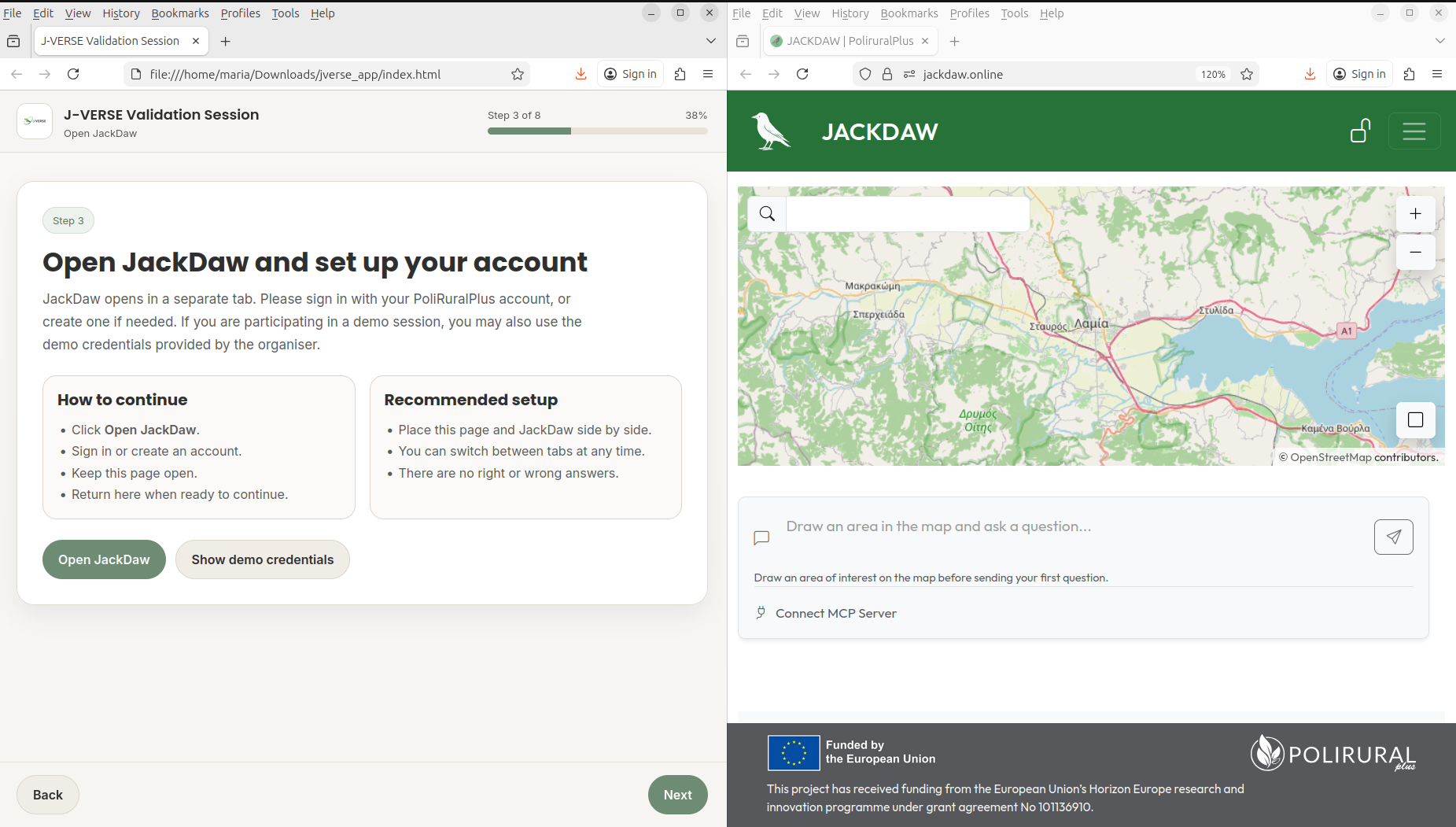
Place this page and JackDaw side by side. There are no right or wrong answers.
Session completed
Thank you for taking part in the J-VERSE validation session. Your feedback will help improve the tool and support the project’s validation activities.